
The next gen digital office leverages virtual reality workspaces and spatial computing collaboration to replace isolating 2D video calls. By placing remote teams in shared 3D environments, these immersive platforms simulate physical co-presence, restoring natural human connection, boosting engagement, and decisively solving remote team isolation.
How Does Spatial Computing Improve Remote Team Dynamics?
As organizations transition from novelty to utility, the limitations of traditional flat-screen communication have become glaringly obvious. Static video grids fail to capture the subtle nuances of human interaction, leading to professional isolation and fatigue. By transitioning to immersive 3D environments, teams can experience genuine co-presence. This shift is not just about novelty; it is about establishing a robust operational backbone where distributed teams can work side-by-side on complex projects as if they were in the same physical studio.
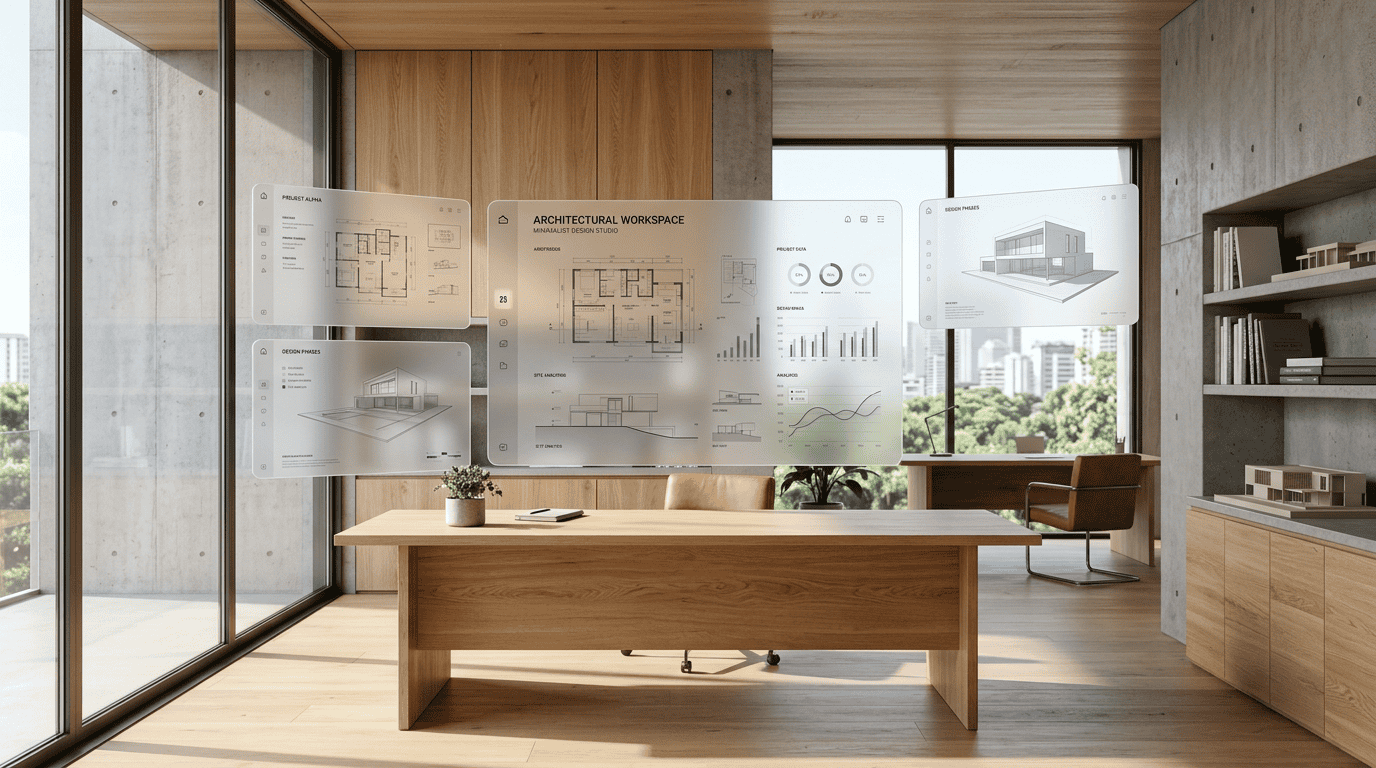
The Transition from Flat Screens to Immersive Environments
In these interactive environments, the physical boundaries of the traditional office dissolve. Teams are no longer restricted to sharing flat screens; instead, they can manipulate multi-dimensional models, coordinate real-time design reviews, and interact with complex data visualizations. Just as the Conturalis platform shifts companies From Website to Web Agent, modern enterprises are shifting from isolated web tools to fully integrated spatial environments that unify communication and execution.
Setting Up Your Immersive 3D Office
Deploying a highly functional spatial workplace requires a strategic approach to both hardware and software integration. To achieve seamless performance, organizations must establish a reliable infrastructure that balances local processing with robust cloud capabilities.
Step-by-Step Spatial Infrastructure Configuration
- Hardware Selection: Equip team members with lightweight, high-resolution headsets that support real-time environmental mapping and eye-tracking.
- Network Optimization: Ensure low-latency connectivity using 5G or high-speed Wi-Fi to prevent rendering delays and motion sickness.
- Software Integration: Deploy WebXR-compatible platforms that connect directly with your existing enterprise databases. This allows teams to access their secure Smart Data systems natively within the virtual environment.
- AI Orchestration: Integrate intelligent web agents to automate meeting transcription, summarize action items, and dynamically adjust virtual layouts based on participant needs.
What Productivity Metrics Prove the Value of Virtual Workspaces?
Enterprise adoption of spatial technologies is driven by clear, measurable returns on investment. Organizations utilizing these tools report significant improvements in operational efficiency, particularly in collaborative tasks, design iterations, and specialized training programs.
Measuring Engagement and Prototyping Speed
Data from early enterprise adopters shows that 3D design reviews reduce prototyping cycles by up to 40%. Because teams can interact with digital twins in real time, communication errors are minimized. Furthermore, active participation in spatial meetings increases information retention rates compared to passive video calls. By offloading heavy graphics processing to high-performance Cloud rendering networks, companies maintain horizontal scalability without overloading local hardware resources.
Overcoming Virtual Fatigue and Ensuring Ergonomic Health
While the benefits of spatial environments are substantial, maintaining long-term employee well-being requires careful attention to ergonomic design and cognitive load management. Virtual fatigue is a real challenge that must be addressed through structured protocols.
Designing Balanced Workflows for Spatial Environments
To prevent sensory overload, companies should implement the 20-20-20 rule adapted for spatial computing: every 20 minutes, users should look at a virtual object at least 20 feet away for 20 seconds, and take a physical break every hour. Additionally, software interfaces should feature minimalist layouts with warm, natural lighting and soft color palettes to reduce eye strain. By establishing balanced workflows, organizations can leverage the full power of spatial environments while protecting the health and productivity of their workforce.
Transitioning to Spatial Workspaces
Compare Packages
Find the perfect solution for your needs.